Devlog #10
Week of March 29th 2026 - Texturing
I use substance painter to texture my models. I started with the knife since it was the simplest. I want it to resemble the Valorant style so I also gathered a lot of references and studied them. 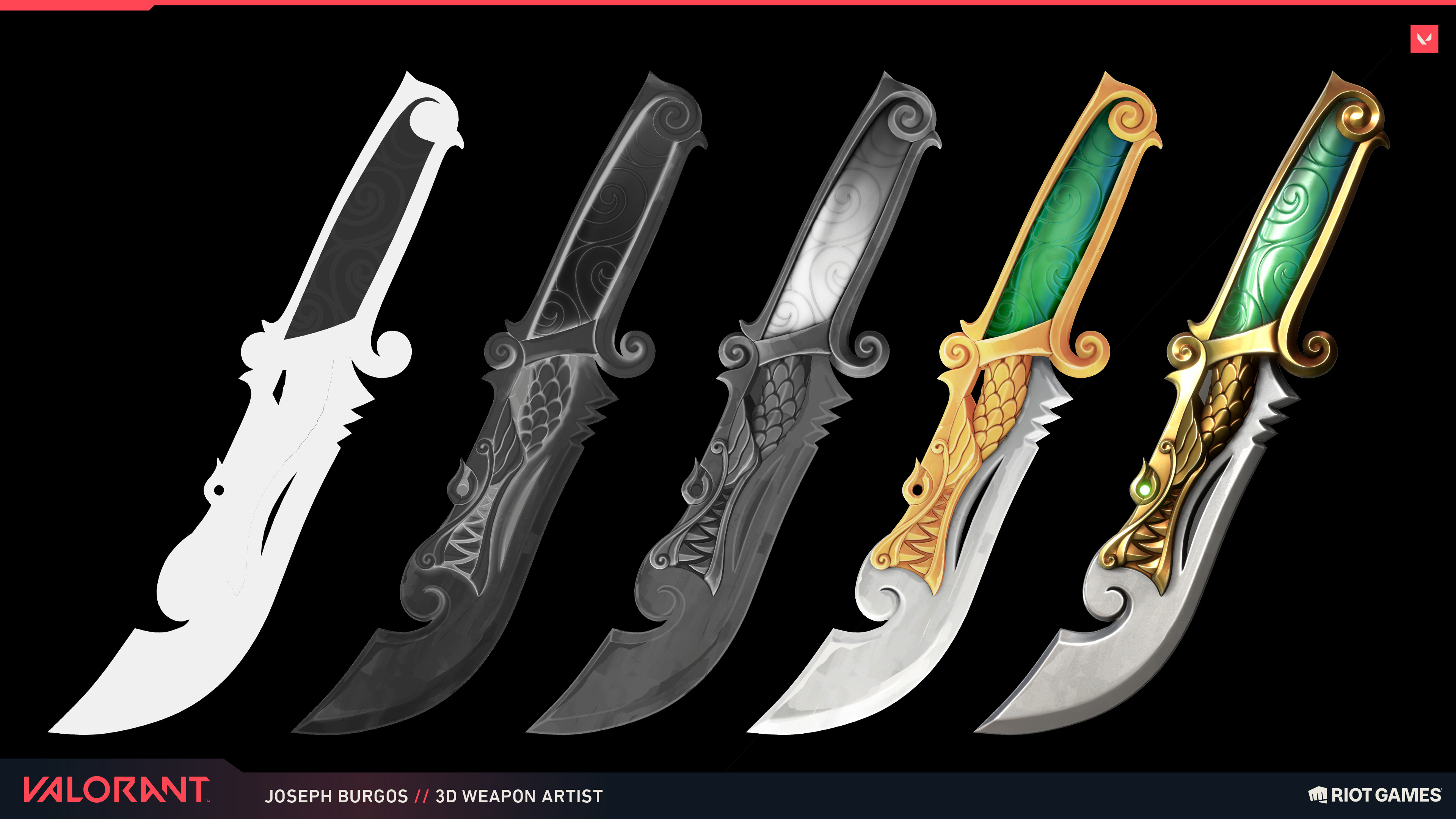
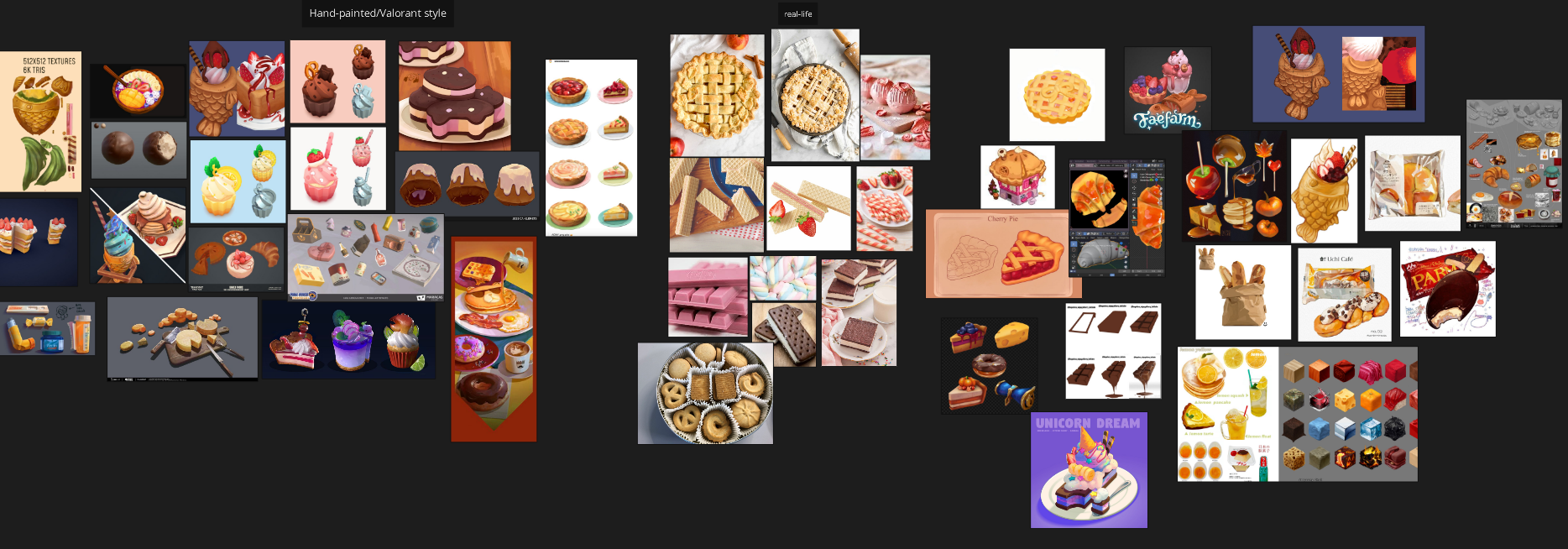 Valorant uses the hand-painted style for their texture it seems and so I want to recreate that in my own pieces. I also recognized that even in just their base colour, they colour it as if it's a shaded piece, for ex, the base colour in the knife above doesn't just straight up use one shade of yellow in the handle, it uses different shades of yellow to add dimension. The edges also tend to be a bit lighter, and in their colour variation, they seem to have brush-like textures. Studying and knowing this, I wanted to try it out in my own models.
Knife
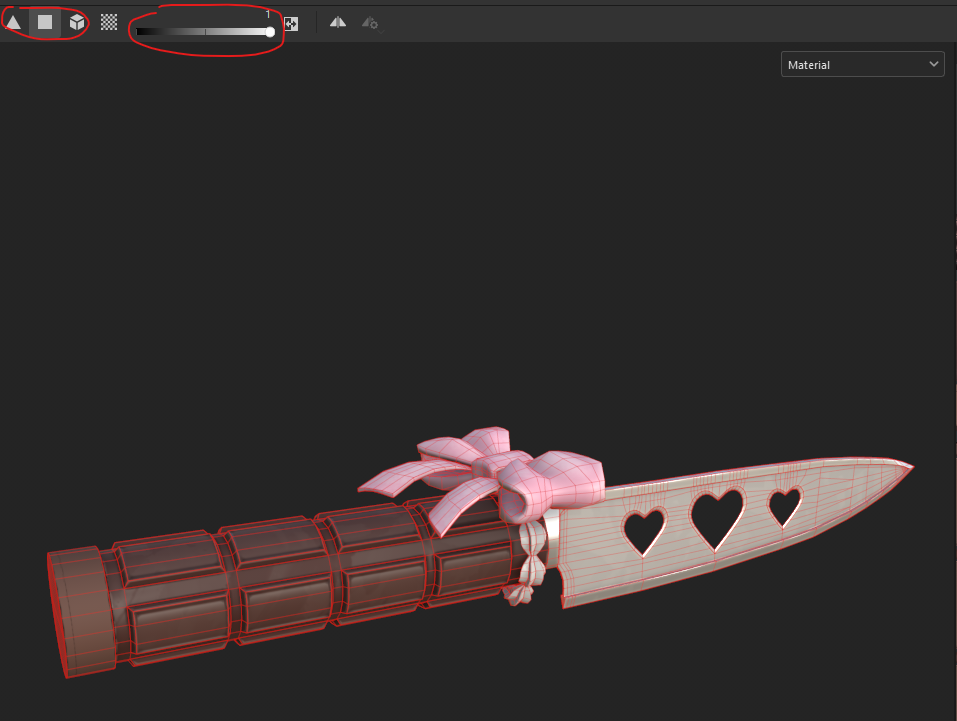
This week, I focused on just putting down the base colours, and then adding the hand-painted details later on (first week of April). The way I textured in substance, is that I would make folders for the specific parts that I want to texture, for example, this knife has three main parts, bow, blade, and handle. I then put a fill layer with different colours in each folder. Then, I put a black mask on the folders, and I mask out the parts that shouldn't be in that folder. For ex, the blade folder will only affect the blade, so I use the face/object tool, set it to 1/white (white meaning it'll show black meaning it will not show), and then select the faces/object I want in the folder, then everything not selected is masked out.
In each folder, I will typically have other folders labelled base colour, bevel fill, and colour variation. The base colour folder will have my base colour, as well as other shades that make it seem dimensional, even just using base colour.
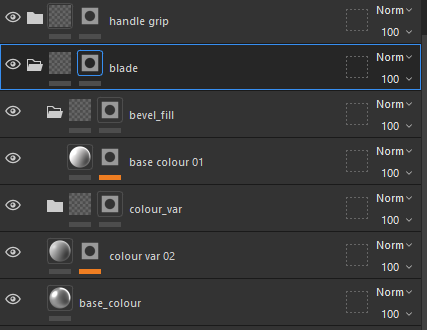
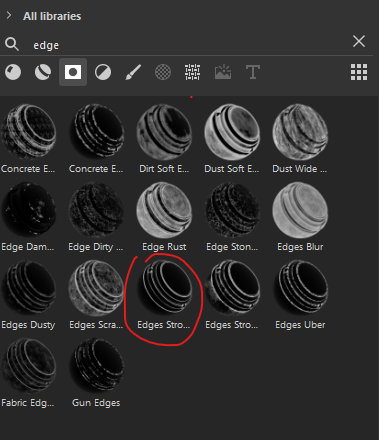
In the bevel fill, I have a fill layer with a colour that's lighter than the base colour. Then I add a smart mask that applies that colour only on the edges of my mesh (this only works on hard edges, so if your mesh is a mid-poly and has no hard edges, this smart mask doesn't really do anything).
The colour variation is the folder where I put a fill layer with colours that are darker/lighter than the base colour, and I add a mask texture that looks like brush strokes. I created this texture in Photoshop by just painting a bunch of brush strokes, ad then to make sure it tiles, offset the photo, then I go over the harsh lines with the healing brush and then offset it back to the regular position. 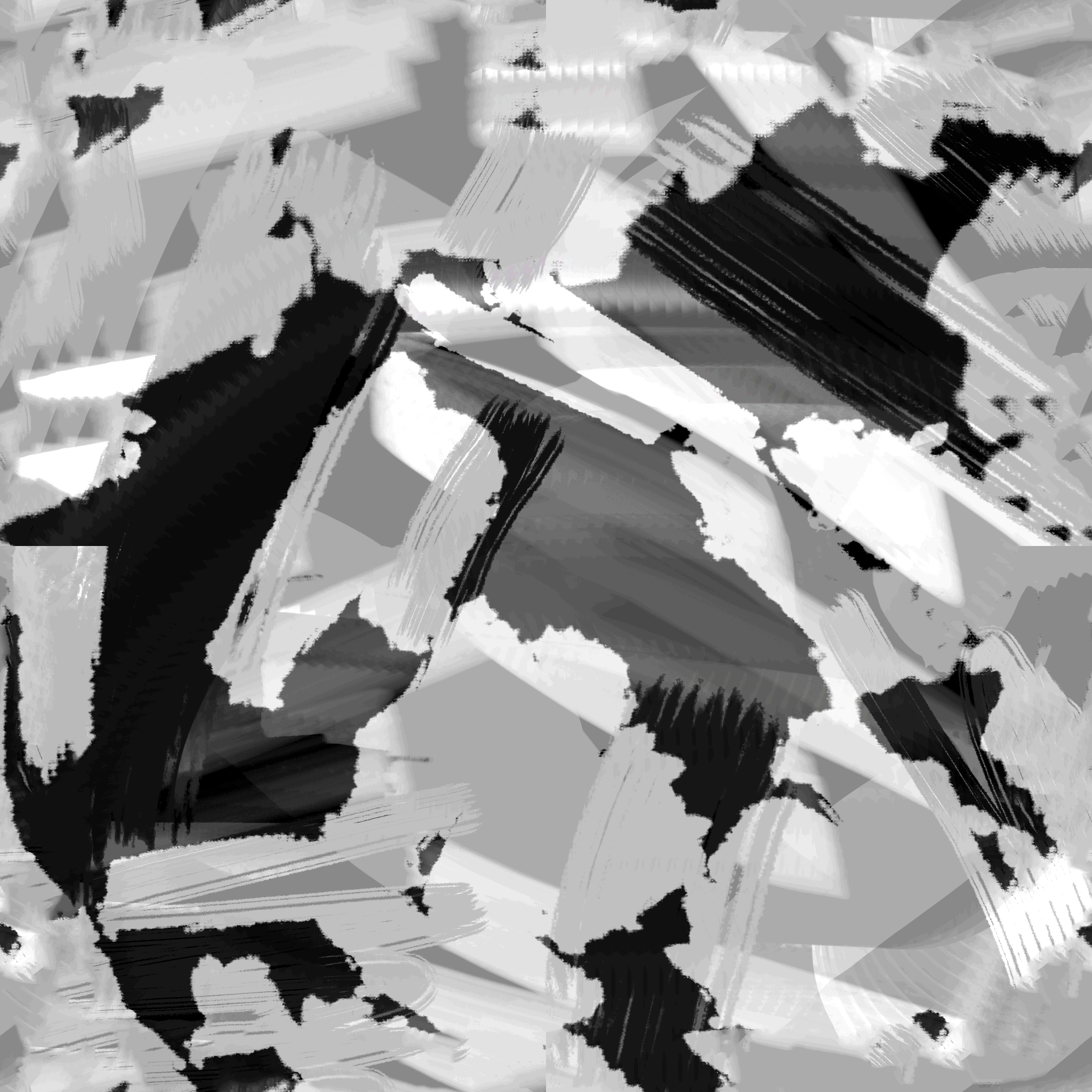
I then basically rinse-and-repeat this process for the rest of the parts, as well as the different weapons.
Leave a comment
Log in with itch.io to leave a comment.