Devlog #9
Week of March 22nd 2026 - Revising phantom low poly + high poly, phantom test bakes
UVs
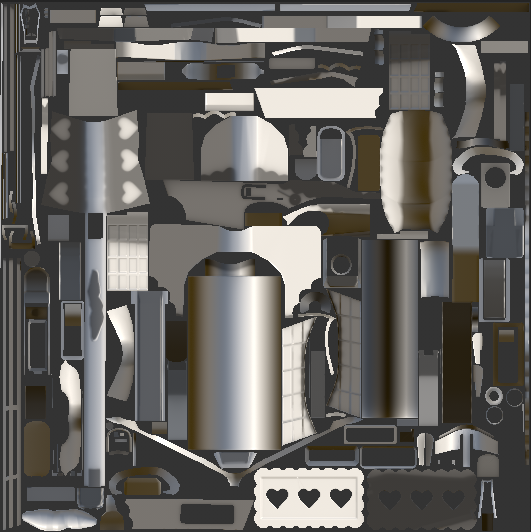
Doing the UVs for the phantom is the same process as the other weapons. I create 2 texture sets, and to do so I assign 1 material to the objects in 1 uv set, then assign a different material to the objects that I want in a separate UV set. 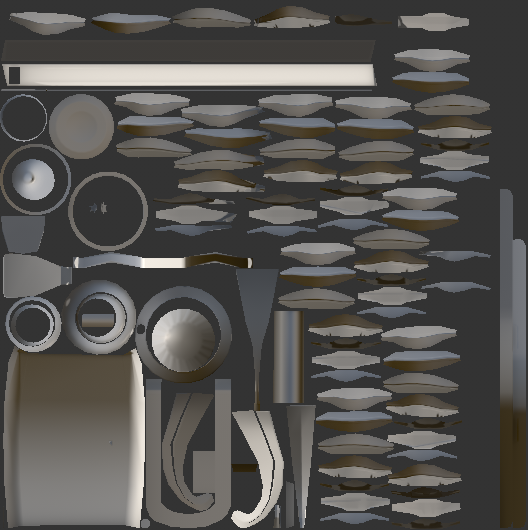
Bakes
The baking process is the same as my previous post. I click the croissant button in the top right corner, and then make my way down to the middle left of the screen where the options for baking are. Under high poly parameters, I click the file button and that's where you can select your high poly mesh. In the max frontal distance, I raise the value until I don't see any of the red areas, and I play around with the max rear distance until my mesh basically looks good.
If I'm getting artifacts and shading issues, I go back into Maya and move the edges and vertices around in the low poly to match better with the high poly; it's the same process mentioned in the previous post. Some shading issues are also typically caused by overlapping UVs, which I forgot to mention, and so I sort that out too if that is the case.
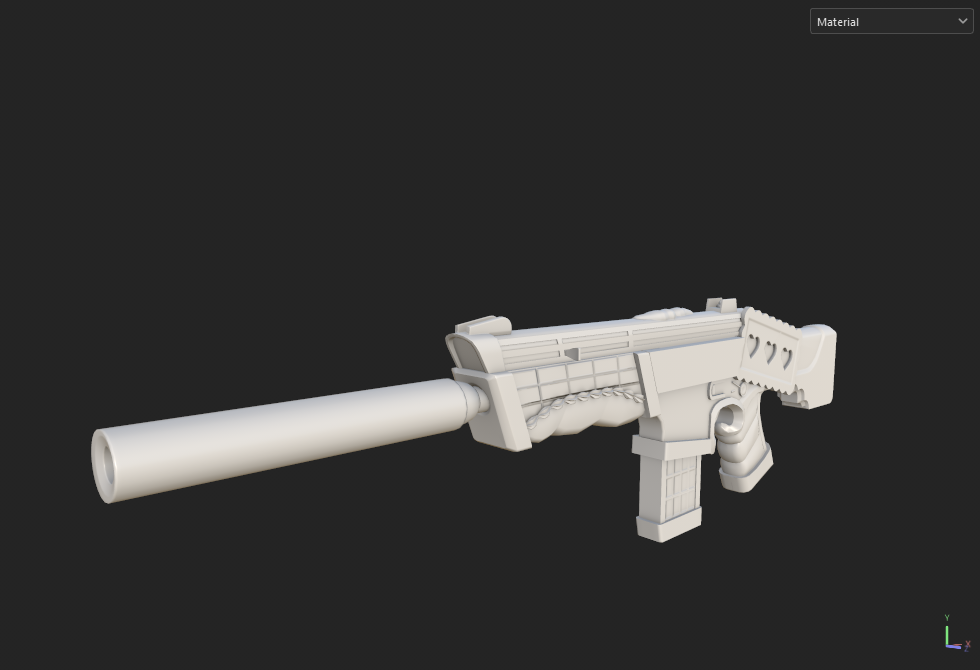
This is how my test bake went! Still not exactly finalized.
Leave a comment
Log in with itch.io to leave a comment.